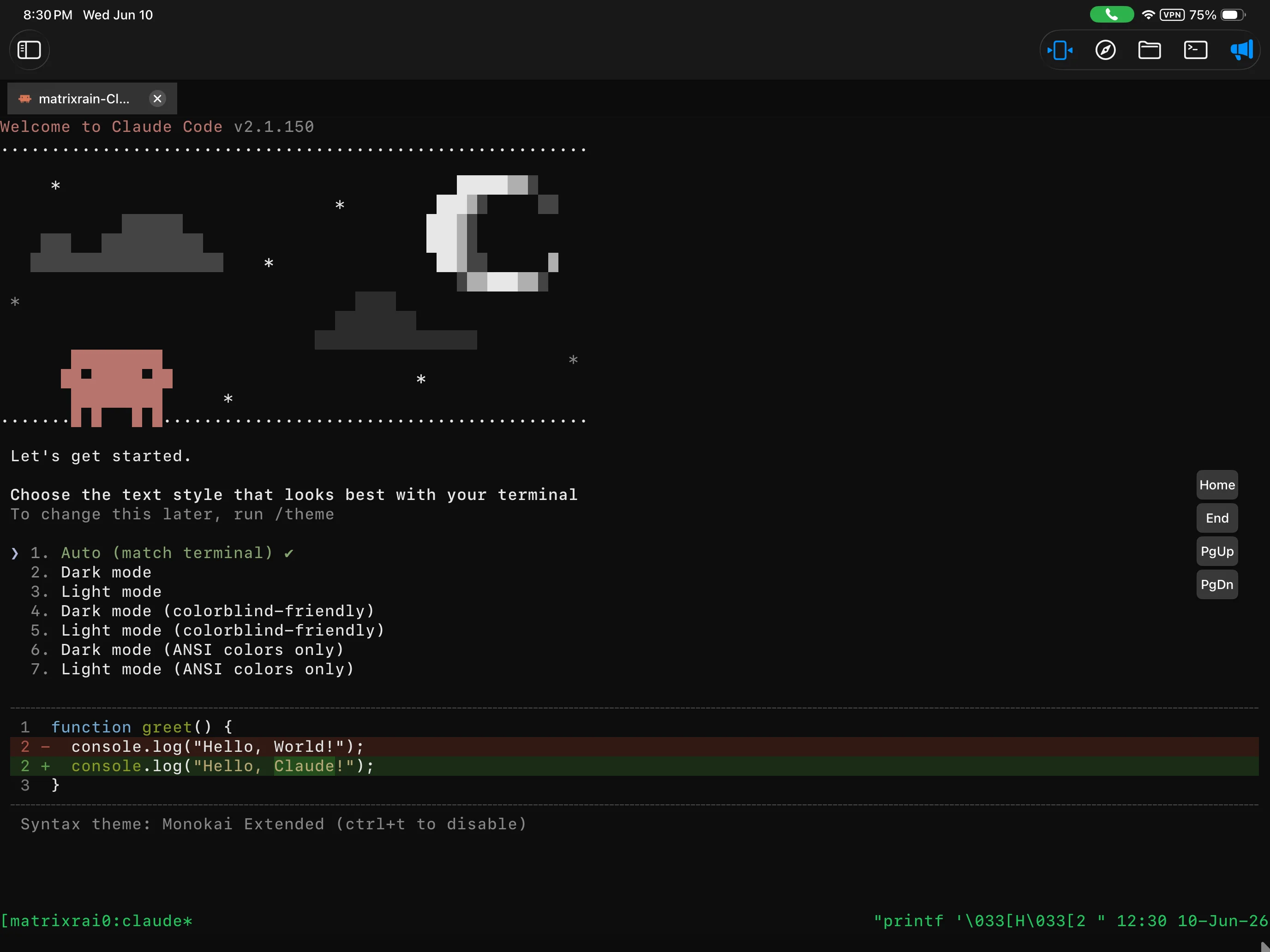

One-tap agent launch
Start Shell, Claude, Codex, Gemini, OpenCode, and Pro custom agents from one project menu.
Agentmux is an SSH client for phones and tablets: reattach to tmux sessions on your own machine, then launch coding agents like Claude, Codex, Gemini, and OpenCode.


Sessions, agents, and project files sit together, so a check on your phone turns into a reply or an edit.
A terminal shrunk to phone size is not the hard part. Sessions, agents, files, and docs each need real room.
Start Shell, Claude, Codex, Gemini, OpenCode, and Pro custom agents from one project menu.
Reconnect to active work instead of rebuilding context after every network change.
Browse remote projects and read source with syntax highlighting. Editing and saving are on Pro.
A shell, the project's files, and the agents all start from that project, so you open the menu and get to work.


Reconnect to tmux work on Macs, Linux boxes, and remote projects, right where it stopped.
Move through source files, builds, and Markdown docs without typing long paths. Pro adds branch switching, history, and batch file tools.


Line numbers and syntax highlighting make source readable on a phone. Pro adds saving, so edits go back over the same SSH connection.
Every feature is open for 14 days. After that the free tier keeps one server, persistent sessions, and the core terminal; Pro adds the rest.
iOS, iPadOS, and Android. The agent runs on your own machine; the app is how you get back to it.